How to Write a 45-Second Faceless Video Script
A 45-second faceless video has room for one useful idea, not a slow introduction. Start with the viewer’s problem, show a solution, and make each shot explain or reinforce the narration. Use this format for YouTube Shorts, TikTok, or Instagram Reels as a creative limit, not a platform rule: YouTube Shorts can run longer. YouTube’s Shorts guide
Start with one takeaway
Finish this sentence before drafting: “After watching, the viewer can ___.” If you have two answers, make two videos. Choose a visible payoff, then write in short, conversational sentences. As a planning range, 45 seconds may fit around 90–110 spoken words with pauses. Read the script aloud and time it; word count is only a starting point.
Use this timed beat sheet
- 0–3 seconds — Hook: Name the problem or show the result. Skip greetings and logo animations. TikTok’s business creative guide also advises getting to the value early; use this as craft guidance, not a promise of performance. TikTok’s video advertising guide
- 3–7 seconds — Promise: Say what viewers will be able to do.
- 7–29 seconds — Steps: Give two or three actions in order, each with its own visual.
- 29–38 seconds — Payoff: Show the result and connect it to the steps.
- 38–45 seconds — Next action: Offer one relevant prompt, such as trying the method or saving the video.
Treat the timings as an editing map, not a rigid formula. If a step needs more time, cut an example or a step instead of rushing the narration.
Worked example: create a key drop zone
Takeaway: Choose one consistent place to put your keys when you get home. This is a simple organizational suggestion, not a promise that it will suit everyone.
| Time | Narration | Visual / on-screen text |
|---|---|---|
| 0–3s | “Still hunting for your keys on the way out?” | Hand searches a cluttered counter. Text: “Where are your keys?” |
| 3–7s | “Give them one home beside the door.” | Place a tray or hook near the entry. Text: “One home.” |
| 7–15s | “Pick a spot you pass every time you come in.” | Show the door, then the reachable tray. |
| 15–23s | “Drop your keys there before you set down your bag.” | Demonstrate keys first, bag second. |
| 23–29s | “Share the space? Label the spot so everyone uses it.” | Add a small label; another hand places keys there. |
| 29–38s | “Now you have one place to check before you leave—not three counters to search.” | Contrast a quick search with keys in the tray. |
| 38–45s | “Try it tonight. Save this if you want to make your own drop zone.” | Hold on the tray; show the prompt. |
The narration is about 80 words, leaving room for pauses and demonstrations. Match the shot to the sentence: show the location when saying “one home,” and show the sequence as it is described. Keep on-screen wording brief so it reinforces, rather than repeats, the voiceover.
Pair narration with clear visuals
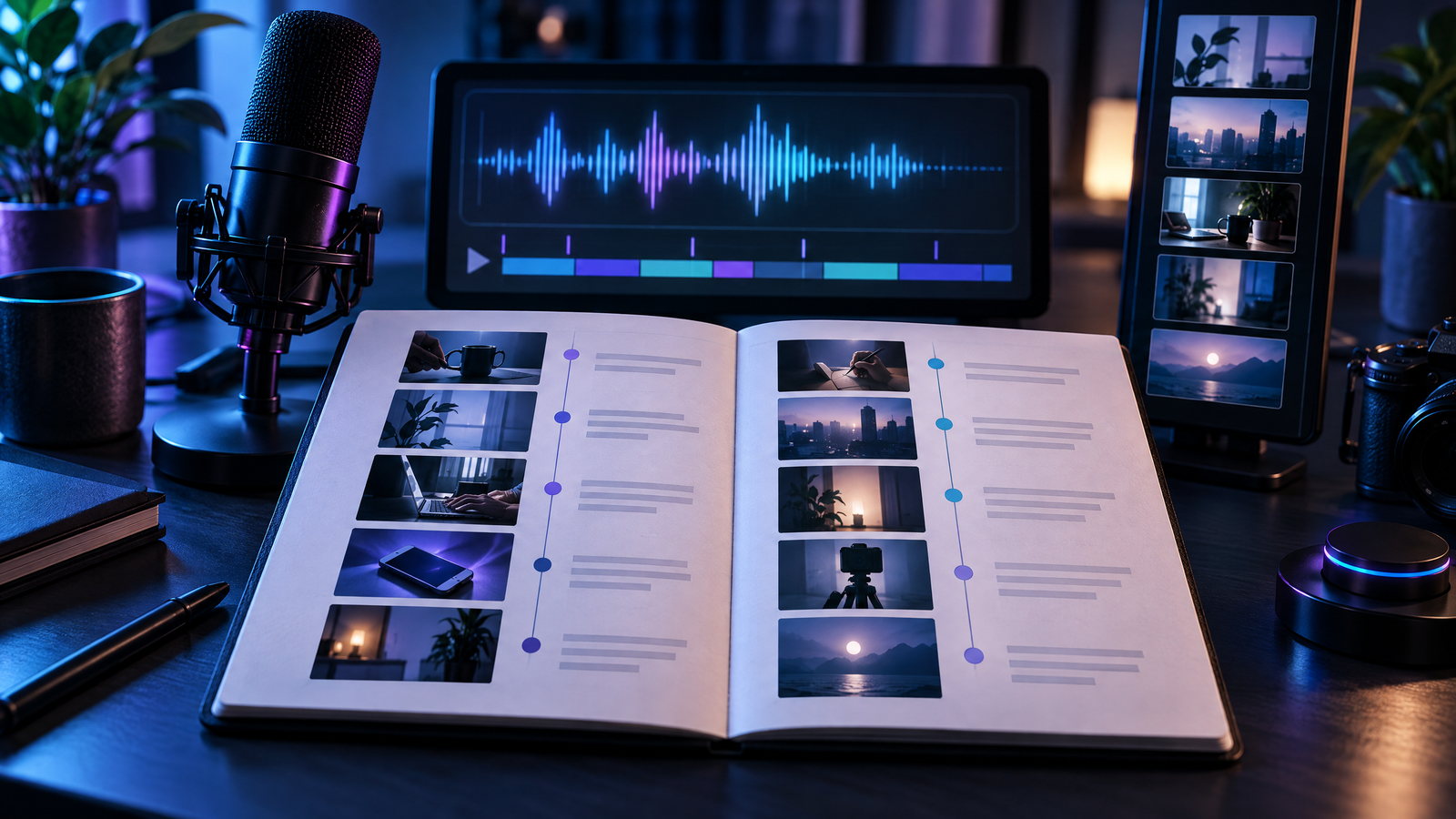
Draft in two columns: narration and the exact shot or graphic that supports it. If a line has no concrete visual, it may be abstract or unnecessary. Vary close-ups, wider shots, and simple text cards rather than adding random effects. Keep music below speech and never make a key instruction depend on sound alone.
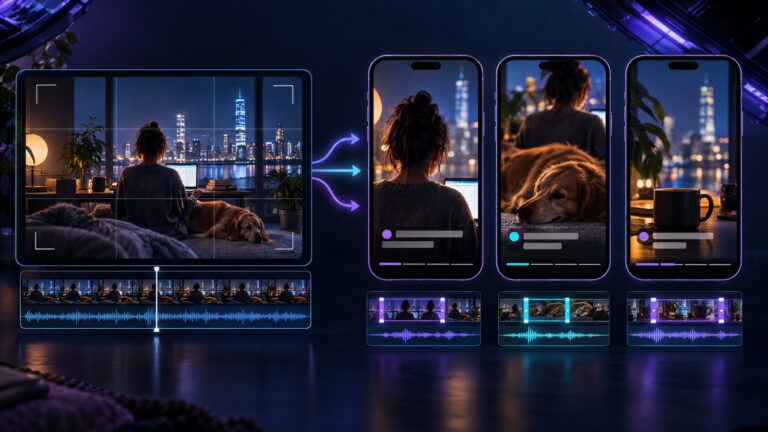
Plan for a vertical phone screen. TikTok’s guidance recommends 9:16 framing and keeping captions or text in safe zones clear of interface buttons. Preview your edit in each app before publishing. TikTok’s framing and safe-zone guidance
Accessibility checks
Add captions, then review them for names, numbers, punctuation, and timing. YouTube says captions can help deaf and hard-of-hearing viewers and explains how to add or edit them in Studio. YouTube caption instructions W3C guidance says prerecorded captions should include dialogue, speaker identification where relevant, and meaningful sound effects. W3C on prerecorded captions
Use readable, high-contrast text and leave it on screen long enough to read. Keep captions clear of important action and app controls. If a visual contains essential information the narration misses, describe it aloud or provide it in text. Avoid flashing effects and rapid text changes.
Revision checklist
- Is there one clear takeaway and a specific opening problem or result?
- Does a timed read fit 45 seconds with natural pauses?
- Does every narration beat have a matching, legible visual?
- Are the steps concrete, ordered, and easy to imitate?
- Are captions accurate, synchronized, readable, and clear of controls?
- Does the ending ask for one natural next action without promising results?
- Does the video still make sense with sound off?
A good short is not a long explanation spoken faster. Draft the beats, pair each line with a shot, and remove anything that does not serve the one takeaway.